
If you're experiencing issues with international roaming while overseas, you may need to manually select a carrier network on your device. Follow the steps below based on your device type:
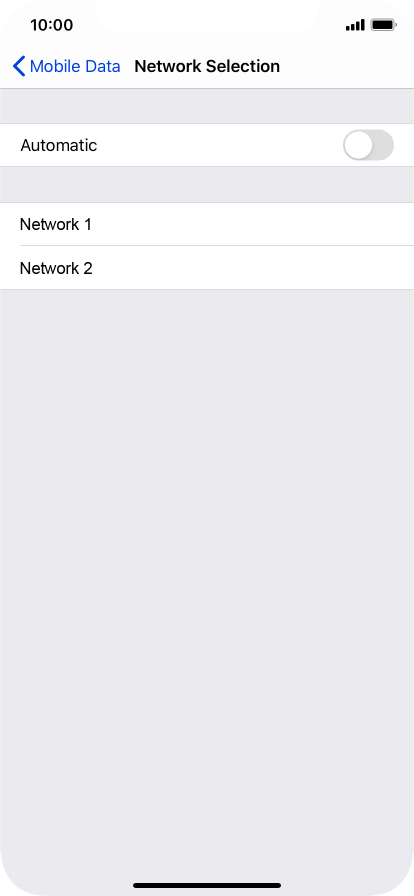
iPhone
- Open Settings from the home screen.
- Tap Cellular.
- Select Network Selection.
- Toggle Automatic off to switch to manual mode.
- Wait a few moments for available networks to appear.
- Select your carrier or a partnered network provider for roaming.
Android / Samsung
- Open Settings and tap Connections.
- Tap Mobile Networks.
- Select Network Operators.
- Turn off Select Automatically.
- Wait for available networks to load.
- Choose your carrier or a partnered network provider for roaming.
If you're still having trouble, please contact our Customer Service Team for further assistance.
Comments
0 comments
Please sign in to leave a comment.